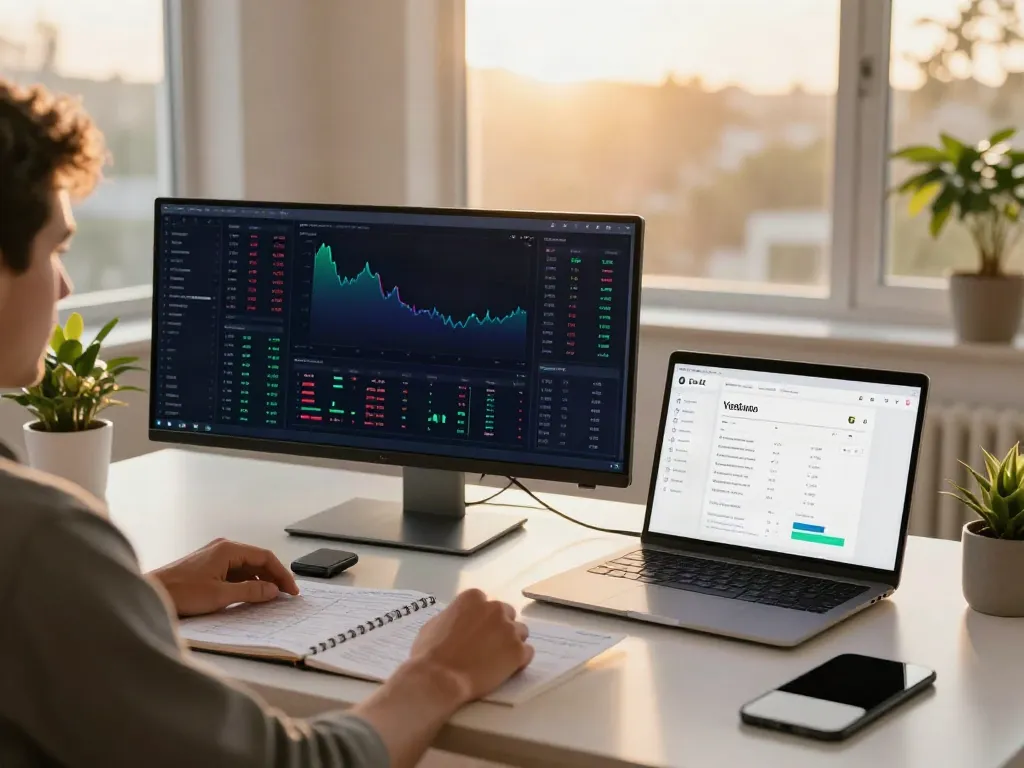
Understanding TradingView: A Comprehensive Overview
As the financial markets continue to evolve, traders are increasingly seeking integrated tools that enhance their decision-making processes. TradingView stands out in this landscape as a powerful platform that combines features for charting, social trading, and analytical insights into a single user-friendly interface. Whether you're a novice trader or an experienced investor, understanding how TradingView operates and what sets it apart is crucial for maximizing your trading effectiveness.
What is TradingView and How Does It Work?
TradingView is a cloud-based charting and trading platform that allows users to visualize market movements, share insights, and execute trades. It offers a unique blend of dynamic charting capabilities along with social networking features that enable traders to connect, share strategies, and collaborate on market analysis.
The platform supports a wide array of asset classes including stocks, currencies, cryptocurrencies, commodities, and more. Users can customize their dashboards, access extensive data feeds, and utilize advanced charting tools to enhance their market research. TradingView's compatibility with various brokers also streamlines the trading process, making it easier for traders to act on insights gained through the platform.
Core Features That Set TradingView Apart
What makes TradingView particularly appealing is its comprehensive feature set:
- Advanced Charting Tools: With multiple chart types, indicators, and drawing tools, users can analyze price actions effectively.
- Real-time Data: TradingView provides live market data, ensuring that users can make informed decisions based on the latest developments.
- Community Engagement: The platform facilitates social interaction through its community features, enabling traders to publish their ideas and strategies.
- Pine Script: A unique scripting language that allows users to create custom indicators and strategies, amplifying the functionality of TradingView.
- Alerts and Notifications: Users can set up price alerts and receive notifications for specific market conditions, enhancing their ability to respond quickly.
How to Navigate the User Interface Effectively
Navigating TradingView’s interface can be intuitive once you familiarize yourself with its layout. Key sections include:
- Chart Area: The primary workspace, where various charting tools can be accessed.
- Favorites Toolbar: A customizable area for frequently used tools and indicators.
- Market Overview: Displays real-time market data across various assets.
- Public Library: A collection of publicly shared scripts and strategies that users can explore for insights.
Establishing Effective Trading Habits with TradingView
Creating and Customizing Your Trading Dashboard
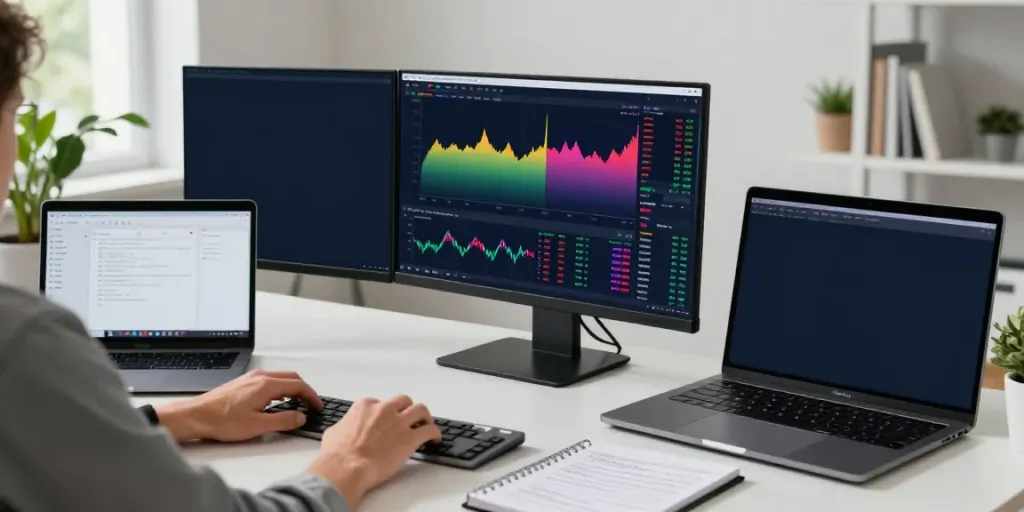
To optimize your experience with TradingView, consider building a customized dashboard that aligns with your trading strategy. Start by selecting your preferred layout, whether that be a single-chart view or a multi-chart setup, which allows for simultaneous monitoring of various assets.
Further enhance your dashboard by integrating technical indicators that are relevant to your trading style. For instance, day traders may benefit from short-term indicators like the Moving Average Convergence Divergence (MACD), while long-term investors might prefer trend-following tools such as moving averages. Organizing your workspace for optimal efficiency can significantly impact your trading performance.
Setting Up Alerts for Market Movements
Effective trading often hinges on the ability to react to market movements promptly. TradingView allows users to set alerts based on specific price levels, technical indicators, or even custom conditions utilizing Pine Script. This feature enables traders to stay informed without actively monitoring charts, which can be invaluable during busy market hours.
Utilizing Multi-Layout Features for Enhanced Analysis
Multi-layout functionality is one of TradingView's standout features, making it perfect for traders who monitor multiple assets simultaneously. Users can create a layout with various timeframes and asset types, thereby gaining a comprehensive view of market dynamics. This can significantly aid in identifying correlations between assets or spotting emerging trends.
Powerful Research and Analysis Tools on TradingView
Using the Screener to Find High-Potential Stocks
The stock screener on TradingView is a powerful tool that allows traders to filter through numerous securities based on specific criteria such as performance metrics, technological indicators, or market capitalization. By setting parameters aligned with your investment strategy, you can efficiently identify high-potential stocks that deserve further analysis.
Leveraging Technical Indicators and Chart Patterns
Technical analysis is pivotal in trading, and TradingView excels in providing a variety of indicators and chart patterns. From simple moving averages to complex Fibonacci retracement levels, traders can select tools that best inform their strategies. Moreover, the platform features a robust library of user-generated scripts, enhancing your analytical capabilities through community contributions.
Conducting Backtests with the Strategy Tester
Before deploying a trading strategy in real time, it is wise to conduct backtesting using TradingView's Strategy Tester. This feature allows users to simulate trades based on historical data, assessing a strategy's viability and profitability before risking real capital. By tweaking parameters and observing results, traders can refine their methods and increase their chances of success.
Integrating TradingView with Other Trading Platforms
Linking Your Trading Account to TradingView
To streamline the trading process, TradingView allows users to integrate their brokerage accounts directly into the platform. This provides seamless execution of trades based on insights gained from your analysis. It is important to choose a broker that is compatible with TradingView to fully leverage this advantage.
Understanding Broker Integrations and Their Benefits
Broker integrations enhance the utility of TradingView by allowing users to execute trades within the platform itself. These integrations simplify the trading workflow, eliminate the need to switch between platforms, and ensure that traders can act swiftly on their analysis.
Maximizing Efficiency Through Third-Party Application Use
Consider using third-party applications alongside TradingView to further enhance your trading experience. Connecting applications that monitor economic calendars and market news can provide a holistic view of market conditions, which aids in making more informed trading decisions. Whether through additional analytics tools or research services, these applications can complement TradingView’s functionalities effectively.
The Future of Trading with TradingView in 2026
Emerging Trends in Market Analysis Tools
As technology continues to evolve, so too will the tools available to traders. In 2026, we expect to see further advancements in market analysis tools, including improved algorithmic trading capabilities and enhanced mobile functionalities that offer greater analytics on-the-go. Users will likely benefit from increasingly intuitive interfaces powered by artificial intelligence (AI), making data interpretation even simpler.
How AI is Enhancing Trading Strategies on TradingView
Artificial intelligence is set to revolutionize trading strategies by providing predictive analytics and machine learning capabilities that can analyze vast amounts of data quickly. In the future, TradingView might deploy AI algorithms that suggest optimal trading strategies based on historical performance patterns, thereby increasing the chances of profitability for its users.
Predictions for User Experience Improvements in TradingView
As TradingView continues to innovate, users can expect enhancements in terms of user experience focused on speed, accessibility, and customization. Potential updates may include more advanced user interfaces, better mobile app functions, and improved analysis tools that further integrate with social trading features.